Click to upload or drag and drop images.
Images: JPEG/JPG/PNG/WebP/GIF, Max 30MB
The text prompt or description for the video.
0/20480Click to upload or drag and drop
Supported formats: JPEG, PNG, WEBP, JPG Maximum file size: 30MB; Maximum files: 10
A list of input image URLs.
Click to upload or drag and drop
Supported formats: MP4, QUICKTIME Maximum file size: 200MB; Maximum files: 5
A list of input video URLs. Furthermore, the total length of all reference videos must not exceed 30 seconds.
Click to upload or drag and drop
Supported formats: MPEG, WAV, X-WAV Maximum file size: 15MB; Maximum files: 5
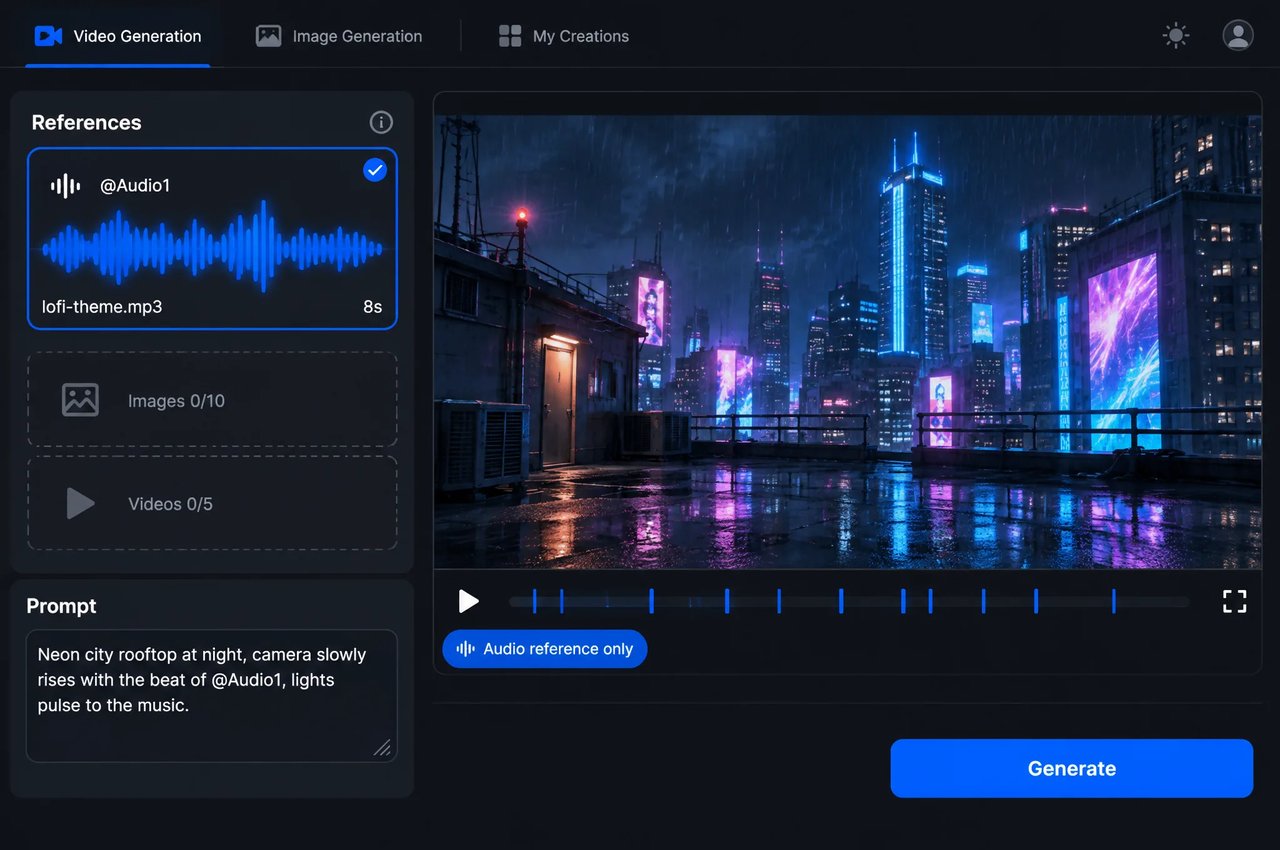
A list of input audio URLs. Furthermore, the total length of all reference audios must not exceed 30 seconds. Audio-only references are supported: a prompt plus reference audio, with no image or video.
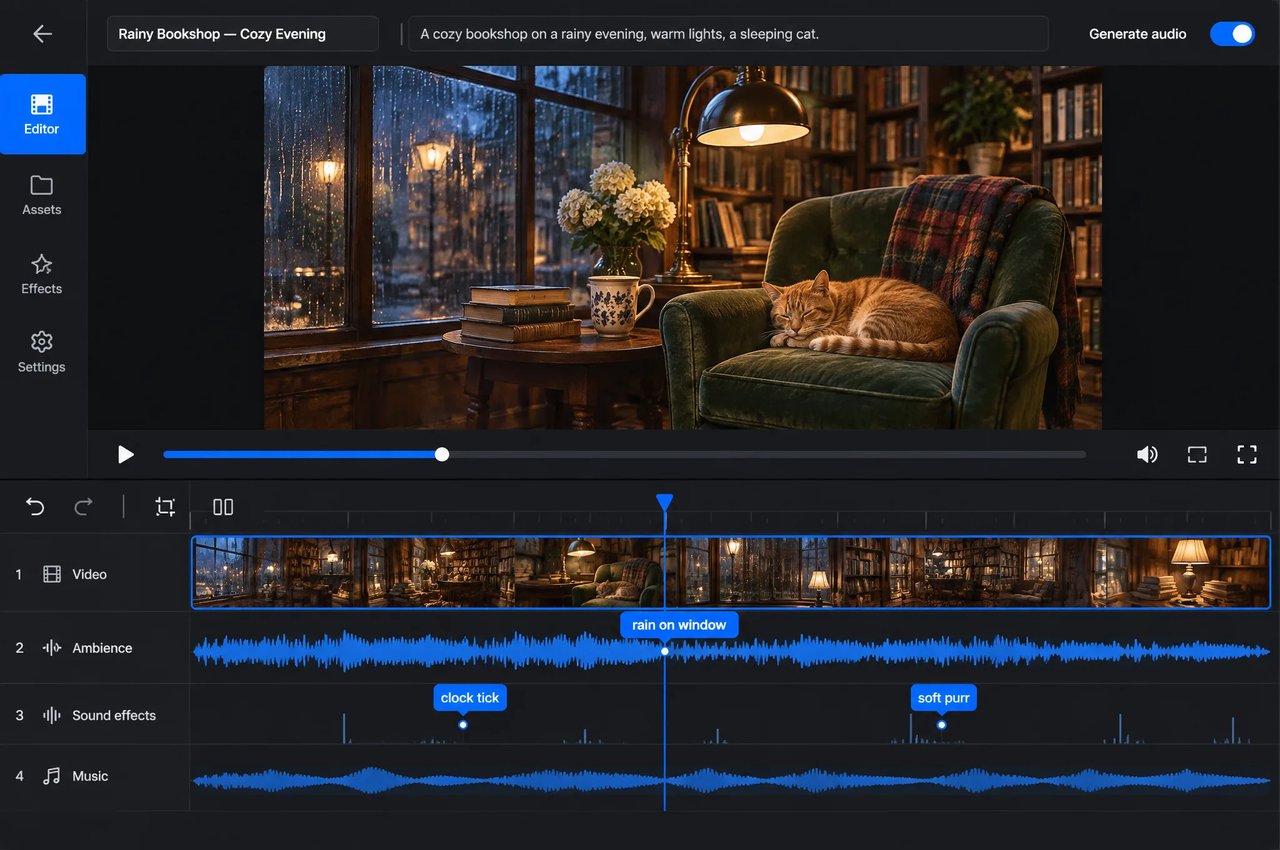
Whether to generate AI audio synchronized with the video.
Whether to return the last frame of the video.
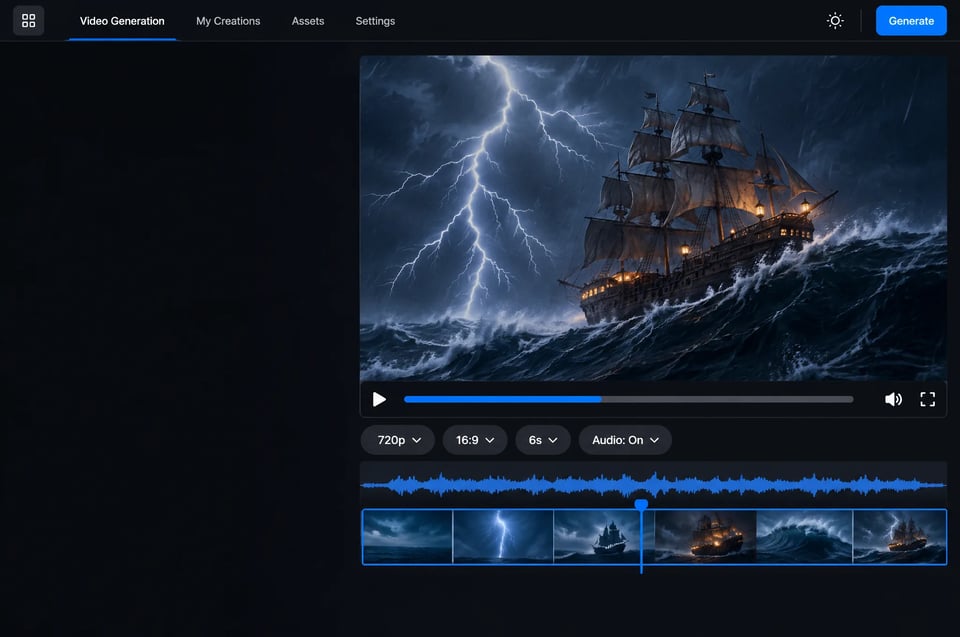
The output video resolution.
The aspect ratio of the generated video.
Video duration in seconds.
Video output format.
Enable online search?
A configurable parameter. Defaults to true in the Playground.
Explore different use cases and parameter configurations
README
Complete guide to using bytedance/seedance-2-5-flash
Seedance 2.5 Flash API for 480p and 720p Video with Native Audio

Key Capabilities of Seedance 2.5 Flash


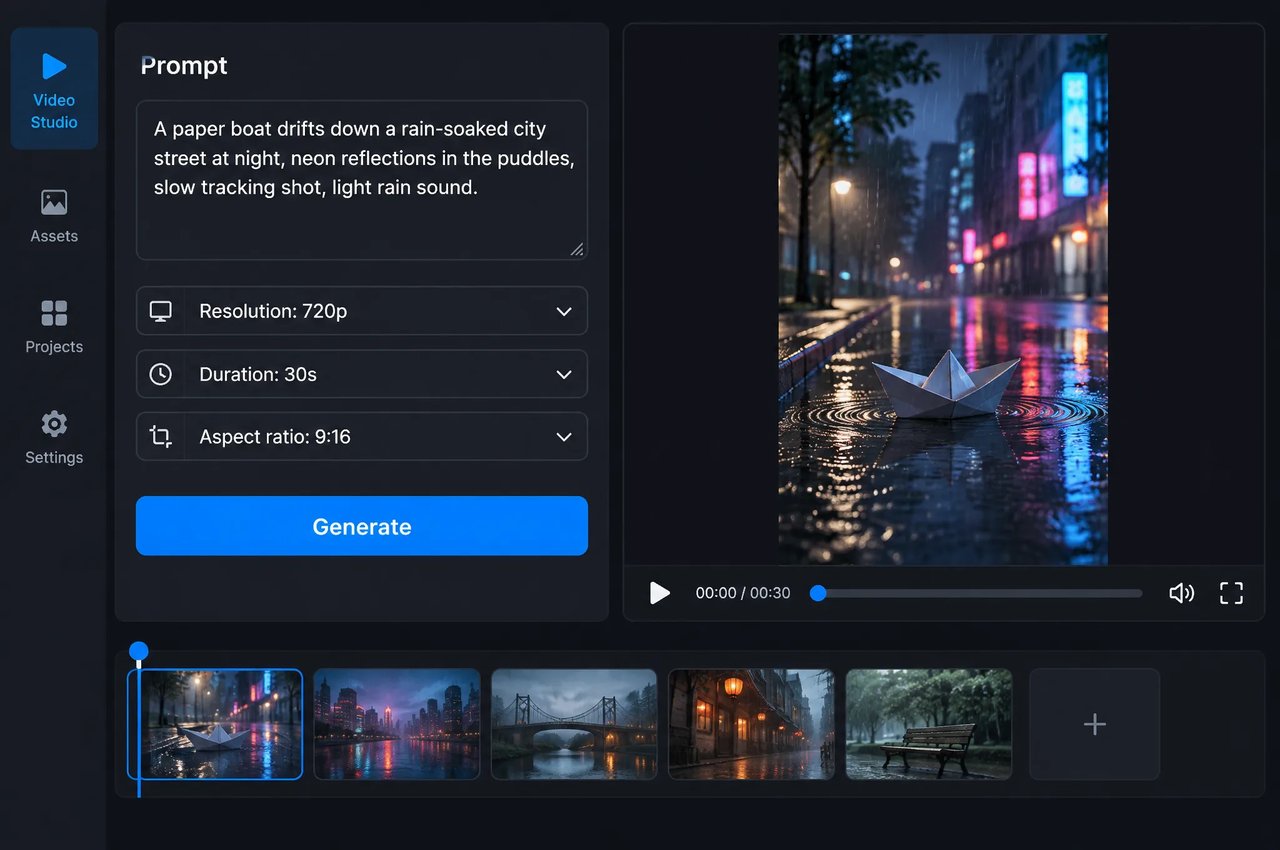
Text to Video up to 30 Seconds

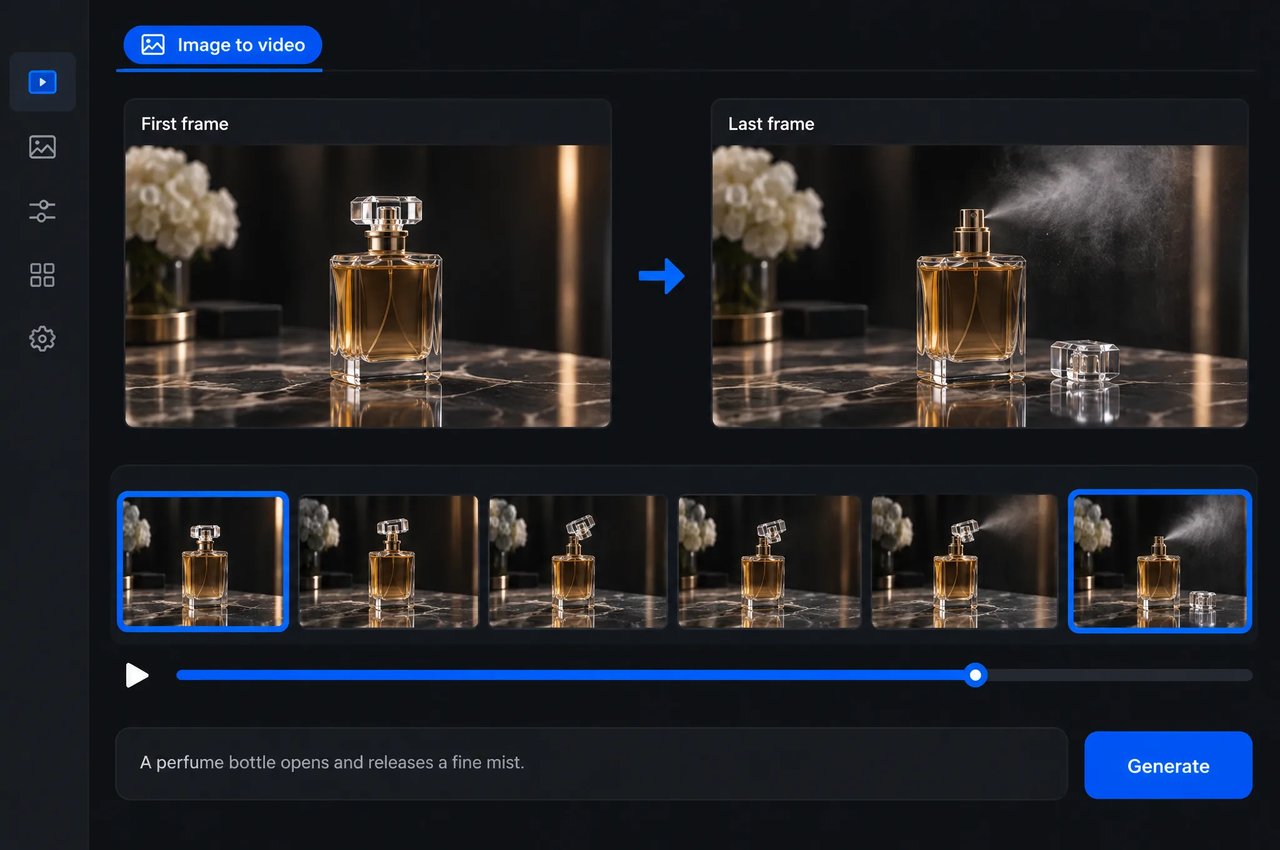
First Frame and First-and-Last-Frame Control

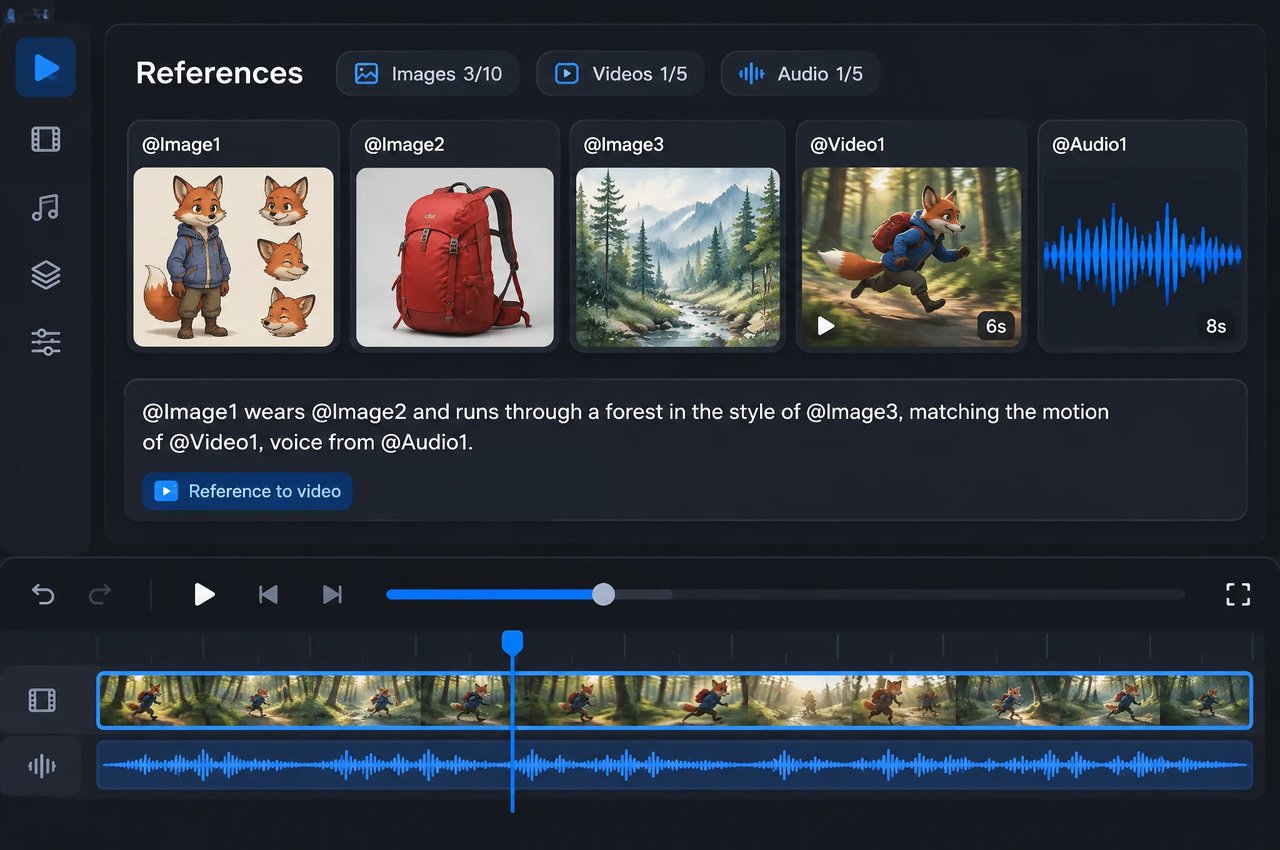
Multimodal References: Up to 10 Images, 5 Videos, 5 Audio Clips

Native Audio in the Same Pass

Video from a Music Track and a Prompt
Seedance 2.5 Flash API Parameters
Inputs and options of the bytedance/seedance-2-5-flash request. The generation mode follows the inputs: a first frame means image to video, references mean multimodal reference video, and text alone means text to video.
| Parameter | Values |
|---|---|
| model | bytedance/seedance-2-5-flash |
| prompt | Up to 20,480 characters; required for text to video and multimodal reference |
| first_frame_url, last_frame_url | Image URLs (JPG, PNG, WEBP); a last frame needs a first frame; cannot be combined with references |
| reference_image_urls | Up to 10 images (JPG, PNG, WEBP) |
| reference_video_urls | Up to 5 videos (MP4, MOV) of 2 to 30 seconds each, no more than 30 seconds in total; 480p to 720p |
| reference_audio_urls | Up to 5 audio clips (MP3, WAV) of 2 to 30 seconds each, no more than 30 seconds in total |
| resolution | 480p, 720p |
| aspect_ratio | 1:1, 4:3, 3:4, 16:9, 9:16, 21:9, adaptive (default); frame inputs use adaptive |
| duration | 4 to 30 seconds, or -1 for automatic; default 5 |
| generate_audio | true (default) or false |
| output_format | mp4 (default) or mov |
| return_last_frame | Also returns the last frame as an image; default false |
| web_search | Text to video only; default false |
Seedance 2.5 Flash vs Seedance 2.5
Both models use the same fields. Use Seedance 2.5 for 1080p, draft previews or more references; use Seedance 2.5 Flash for 480p or 720p, high-volume generation and quick iteration.
| Feature | Seedance 2.5 Flash | Seedance 2.5 |
|---|---|---|
| Resolution | 480p, 720p | 480p, 720p, 1080p |
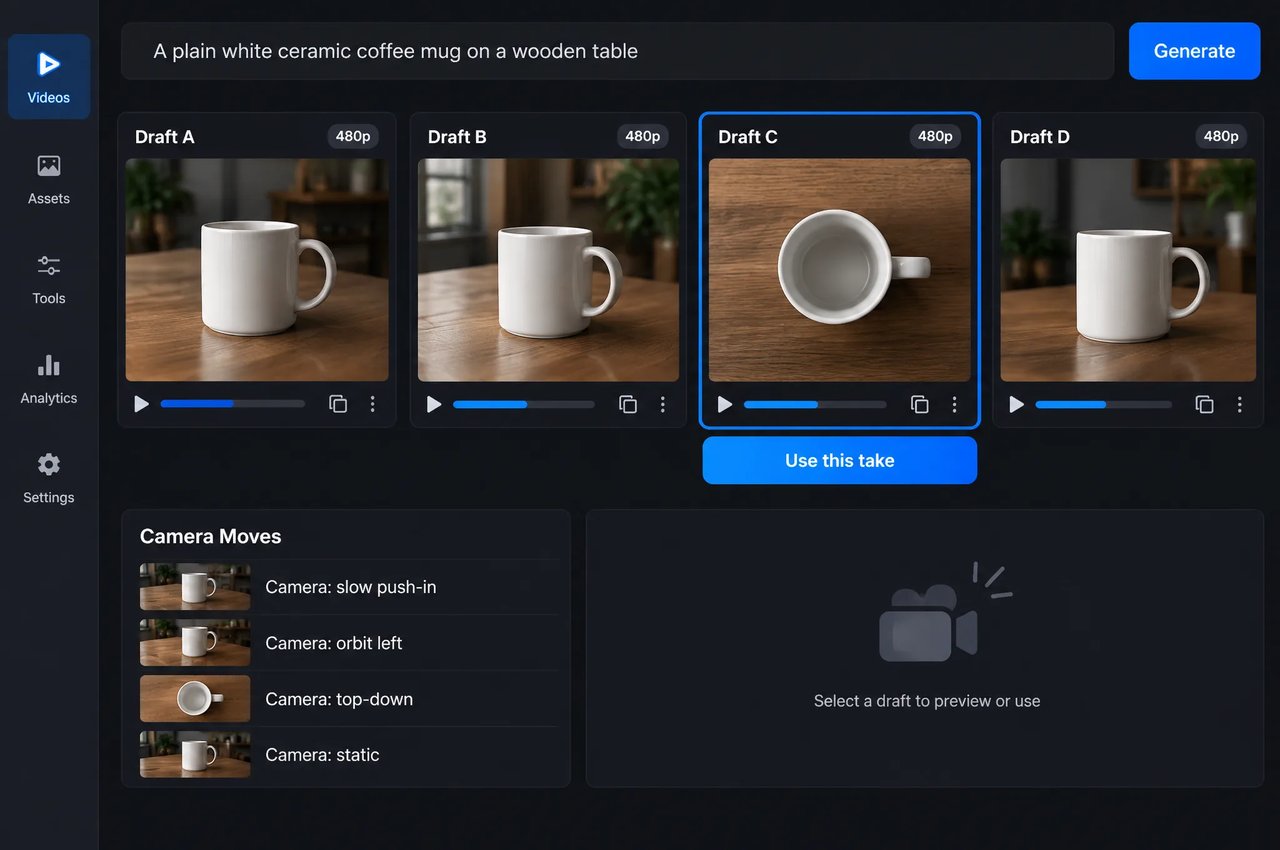
| Draft mode | No | Yes |
| References per request | Up to 10 images, 5 videos, 5 audio clips | Up to 30 images, 10 videos, 10 audio clips |
| Prompt with only an audio reference | Supported | Not supported |
| Native audio, frame inputs, 4 to 30 seconds, seven aspect ratios | Yes | Yes |
How to Prompt Seedance 2.5 Flash
- 1
Step 1: Describe the Shot
Describe the subject, the action, the camera movement, the lighting and the sound you want, such as ambience, effects or music. - 2
Step 2: Choose Your Inputs
Use text alone, a first frame, a first and last frame, or reference images, videos and audio. Give each reference a role in the prompt, for example @Image1 for the character and @Audio1 for the music. - 3
Step 3: Set Resolution, Length and Ratio
Choose 480p or 720p and a duration from 4 to 30 seconds, or -1 for automatic. For text or reference requests, pick an aspect ratio such as 9:16 for vertical feeds; frame inputs use adaptive and follow the image. - 4
Step 4: Iterate, Then Finalize
Compare a few variations and pick a direction. If you need 1080p output, generate a new version with Seedance 2.5 from the same prompt and references.